Strengthening Security with Google Authenticator (2FA)
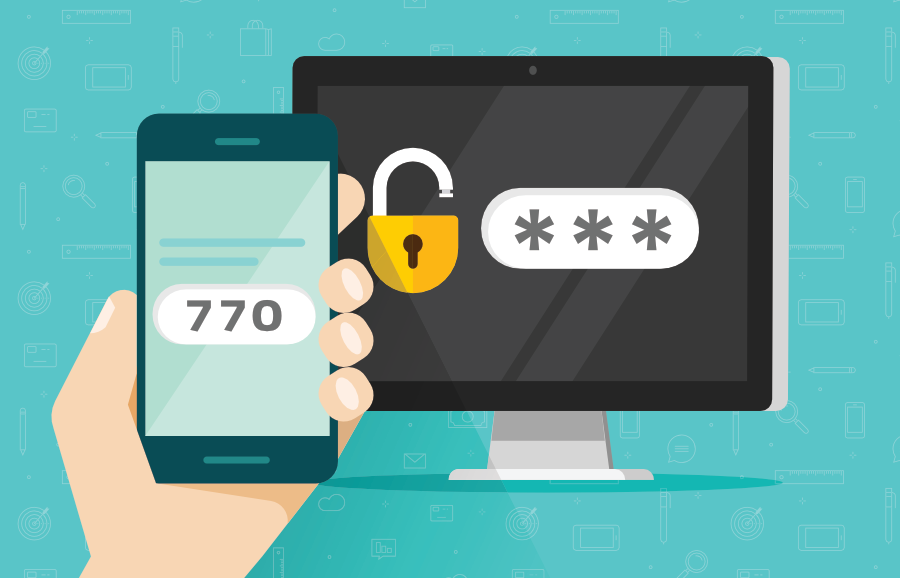
In today’s digital landscape, relying solely on passwords is no longer enough to protect sensitive accounts. Cyber threats are evolving rapidly, and even strong passwords can be compromised. That’s where Two-Factor Authentication (2FA) comes in.
Implementing Google Authenticator (2FA) in Laravel Admin Panel
In this guide, we’ll walk through how to implement Two-Factor Authentication (2FA) using Google Authenticator in a Laravel-based admin panel.
This implementation uses the TOTP (Time-Based One-Time Password) approach to add an extra layer of security.
📦 Installation
We are using the Sonata Google Authenticator package.
composer require sonata-project/google-authenticator🧠 Database Structure
Add the following fields to your admins table:
'fa_status',          // 0 = disabled, 1 = enabled
'googlefa_secret',    // stores secret key
'fa_expiring'         // optional (for future use)
🎮 Controller Implementation
Generate Secret + QR Code
use Sonata\GoogleAuthenticator\GoogleAuthenticator;
use Sonata\GoogleAuthenticator\GoogleQrUrl;

public function changePassword()
{
    $data['menu'] = 'profile';
    $data['admin_id'] = Auth::guard('admin')->user()->id;

    $g = new GoogleAuthenticator();
    $secret = $g->generateSecret();

    $data['secret'] = $secret;

    $admin_email = Auth::guard('admin')->user()->email;
    $site_name = env('APP_NAME');

    $data['image'] = GoogleQrUrl::generate($admin_email, $secret, $site_name);

    return view('admin.profile.change_password', $data);
}
Verify & Enable/Disable 2FA
public function submit2fa(Request $request)
{
    $admin_id = Auth::guard('admin')->user()->id;
    $user = Admin::findOrFail($admin_id);

    $g = new GoogleAuthenticator();
    $secret = $request->vv;

    if ($request->type == 0) {
        // Disable 2FA
        $check = $g->checkcode($user->googlefa_secret, $request->code, 3);

        if ($check) {
            $user->fa_status = 0;
            $user->googlefa_secret = null;
            $user->save();

            return back()->with('success', '2FA disabled.');
        } else {
            return back()->with('error', 'Invalid code');
        }

    } else {
        // Enable 2FA
        $check = $g->checkcode($secret, $request->code, 3);

        if ($check) {
            $user->fa_status = 1;
            $user->googlefa_secret = $secret;
            $user->save();

            return redirect('admin/change-password')
                ->with('success', '2FA enabled successfully');
        } else {
            return back()->with('error', 'Invalid code');
        }
    }
}
🖼️ Blade View (Frontend)
Show Status + QR Code Modal
@if(Auth::guard('admin')->user()->fa_status==0)
    <span class="label label-danger">Disabled</span>
@else
    <span class="label label-primary">Active</span>
@endif
QR Code + Verification Form
<form action="{{ url('admin/2fa') }}" method="post">
    @csrf

    <input type="text" name="code"
           class="form-control"
           minlength="6" maxlength="6"
           placeholder="Enter 6-digit code" required>

    <input type="hidden" name="vv" value="{{ $secret }}">
    <input type="hidden" name="type"
           value="{{ Auth::guard('admin')->user()->fa_status == 0 ? 1 : 0 }}">

    <button type="submit" class="btn btn-primary btn-block">
        Submit
    </button>
</form>
🛣️ Route
Route::post('2fa', 'AdminController@submit2fa');🔄 How It Works
Enable Flow
- Generate a secret key
- Show QR code
- User scans in Google Authenticator
- User enters 6-digit code
- Code is verified → 2FA enabled
Disable Flow
- User enters current OTP
- Code is verified
- Secret removed → 2FA disabled
⚠️ Security Considerations
- Never expose the secret key in logs or URLs
- Always verify codes server-side
- Use HTTPS for all authentication routes
- Consider backup codes for recovery
- Add rate limiting to prevent brute-force attacks
✅ Conclusion
With just a few steps, you can significantly enhance your application's security by integrating Google Authenticator.
This implementation is lightweight, secure, and easy to integrate into any Laravel admin panel.




0 Comment's
Add Comment
Register to Reply