How to solve "Error: Apache shutdown unexpectedly"?
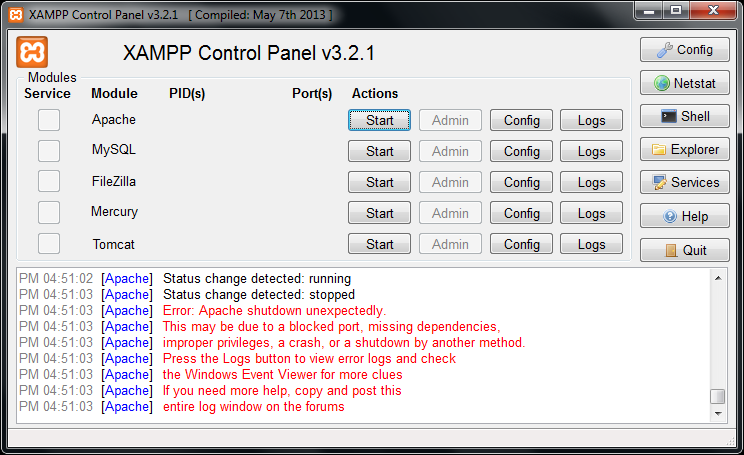
The "Error: Apache shutdown unexpectedly" message typically occurs when using tools like XAMPP or other Apache-based web servers. This issue arises due to conflicts or misconfigurations.
The most common cause is another service using the same port as Apache (default: 80 or 443).
Steps:
- Open XAMPP Control Panel.
- Click on Config (next to Apache) → Open httpd.conf.
- Search for
Listen 80and change it to another port, likeListen 8080. - Save and close the file.
- Search for
- Open httpd-ssl.conf (in the same Config menu).
- Search for
Listen 443and change it toListen 4433. - Save and close the file.
- Search for
- Restart Apache in XAMPP.





0 Comment's
Add Comment
Register to Reply